SensSwap

Sensitivity converter

Convert your mouse sensitivity between 57 games, including Valorant, CS2, Apex Legends, Fortnite, Overwatch 2, Warzone and Rainbow Six Siege, so your aim feels the same everywhere.

Games with checked values
57
Ready-made conversion pages
230
Independent sources per value
2+
Trackers and sign-ups
0
A gaming mouse on a dark mousepad in front of a glowing monitor at night
Mouse DPI (optional)

Only change these if you use a different mouse DPI in the new game.

For normal aim, not scopes
CS2 sensitivity1.273

Valorant 0.4 feels exactly the same as CS2 1.273 (both at 800 DPI).

Hand movement to turn around 20.4 cm Full circle 40.8 cm · medium sensitivity
Same aim in other popular games
  • Fortnite5.04%
  • Overwatch 24.24
  • Marvel Rivals1.6
  • R6 Siege4.89
More numbers (cm/360, eDPI, multiplier)
Multiplier
×3.1818
cm per 360°
40.82
inches per 360°
16.07
eDPI (DPI × sens)
320 → 1,018
Games with checked values
57
Ready-made conversion pages
230
Independent sources per value
2+
Trackers and sign-ups
0

Popular sensitivity conversions

ConversionMultiply byExample
Valorant to CS2×3.18180.4 → 1.273
CS2 to Valorant×0.31431.2 → 0.377
Valorant to Overwatch 2×10.60610.4 → 4.24
Valorant to Apex×3.18180.4 → 1.273
Valorant to Fortnite×12.60130.4 → 5.04%
Fortnite to Valorant×0.07946.5% → 0.516
Valorant to Warzone×10.60610.4 → 4.24
CS:GO to Valorant×0.31431.5 → 0.471
Valorant to R6 Siege×12.21730.4 → 4.89
CS2 to Deadlock×0.51.2 → 0.6
Marvel Rivals to Valorant×0.251.6 → 0.4
Apex to Fortnite×3.96041.5 → 5.94%
Fortnite to PUBGvaries6.5% → 45.5
Valorant to PUBGvaries0.4 → 40
Valorant to Minecraftvaries0.4 → 28.6%
Valorant to The Finals×700.4 → 28

How does the sensitivity converter work?

A sensitivity converter keeps your aim identical between games by matching cm/360, the distance your mouse travels for a full turn. Each game turns a fixed angle per mouse count, called its yaw. Multiply your sensitivity by the old game’s yaw and divide by the new game’s yaw to get the matching setting.

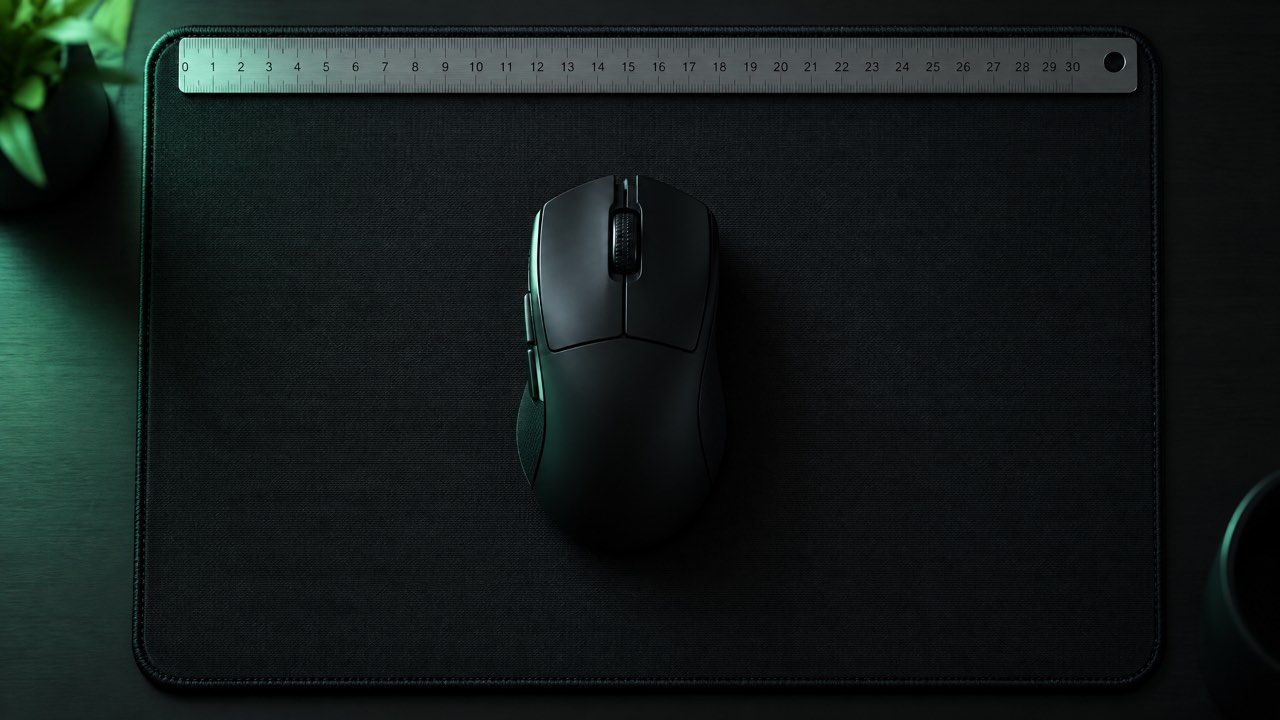
A gaming mouse on a dark mousepad with a ruler along its edge
The same hand movement should turn you the same distance in every game.

new sens = old sens × old yaw ÷ new yaw × old DPI ÷ new DPI

For example, Valorant uses a yaw of 0.07 and CS2 uses 0.022, so Valorant 0.4 becomes CS2 1.273. Both take 40.8 cm of mouse movement to turn 360° at 800 DPI.

Sensitivity converters by game

Why you can trust these numbers

Every game here uses a yaw value that at least two independent sources agree on, or a documented engine default such as Source’s 0.022. Games with conflicting or non-linear values are left out rather than guessed. See the full list of yaw values.

Is your game not listed?

Pick Any other game (enter its cm/360) in the converter. Measure your cm/360 with a ruler in about two minutes (here is how) and you can convert it to every game above.

More sensitivity tools

Frequently asked questions

How do I convert my sensitivity to another game?

Pick the game you play now, enter your sensitivity and DPI, then pick the new game. The converter multiplies your sensitivity by the ratio of the two games’ yaw values, so one centimetre of mouse movement turns you the same angle in both.

What is cm/360?

cm/360 is how far you move your mouse to turn a full circle. It is the only sensitivity number that means the same in every game, so it is the best way to compare settings. Read more in what is cm/360.

Is the converted sensitivity exact?

Yes for hipfire (normal aim) at the same DPI with mouse acceleration off. Scoped and ADS sensitivity are separate settings in most games, and field of view can make the same cm/360 feel slightly different.

Does my DPI matter?

Only if you use a different DPI in the new game. Enter both values and the converter adjusts the result so your cm/360 stays the same.

Why is my game not listed?

We only list a game when independent sources agree on its formula. For any other game, measure your cm/360 with a ruler and choose “Any other game” in the converter; here is how.