What do I need?
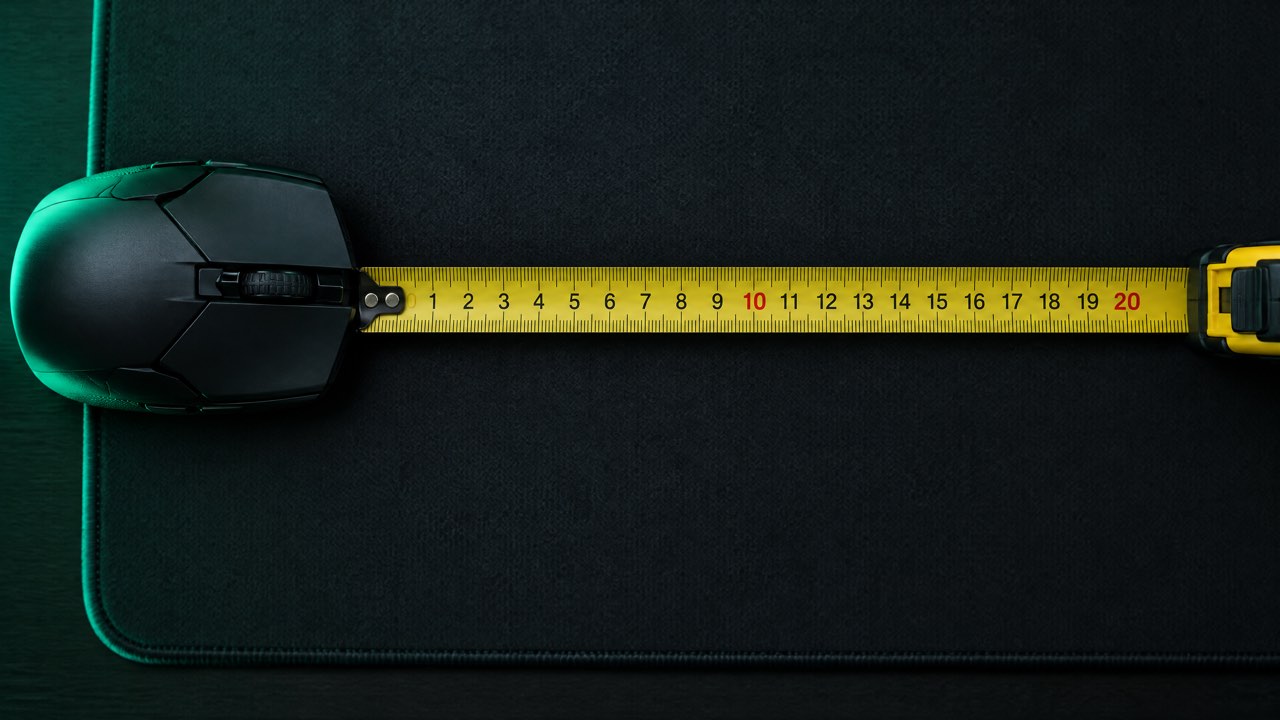
- A ruler or tape measure laid along the top of your mousepad.
- Your mouse DPI (check your mouse software).
- Mouse acceleration turned off (see how to turn it off).
How do I measure cm/360?
- In the game, aim your crosshair at a sharp landmark, such as the corner of a door or a pole.
- Put the left edge of your mouse on the 0 mark of the ruler.
- Slowly move the mouse to the right until the crosshair comes all the way round to the same landmark.
- Read the ruler at the left edge of your mouse. That distance in centimetres is your cm/360.
- Repeat it two more times and use the average.
If your mousepad is too small for a full turn, measure a 180° turn (until you face the opposite way) and double it.
How do I convert it?
Open the sensitivity converter, choose Any other game (enter its cm/360) under “Convert from”, enter the distance you measured and your DPI, then pick the game you want. Choosing it under “Convert to” does the reverse and tells you the cm/360 to aim for in your unlisted game.
Why does this work?
cm/360 is a physical distance, so it means the same thing in every game. Matching it is exactly what the converter does with the listed games’ formulas; measuring it yourself skips the formula. Read more in what is cm/360.
Frequently asked questions
How accurate is measuring cm/360 by hand?
Usually within one or two percent if you use a sharp landmark, move slowly and average three tries. That is close enough that most players cannot feel the difference.
Does my in-game FOV matter when I measure?
No. A full 360° turn is the same distance whatever your field of view.